





Homey is now available in ChatGPT
With the Homey MCP Server, you could already connect ChatGPT to Homey. Now setup takes one click. Connect your account, then ask ChatGPT to control devices, start Flows, or help create new ones.
What you can do
The ChatGPT app uses the same Homey MCP Server as before. You could already check device status, control devices, start Flows and Advanced Flows, and set Moods.
Since then, ChatGPT can do more with Homey. You can rename devices or move them to another zone, create and update Flows, and do the same with Advanced Flows.
Instead of manually searching through every available Flow card, you can describe what you want to automate and let ChatGPT help turn it into a Flow.
Using MCP directly?
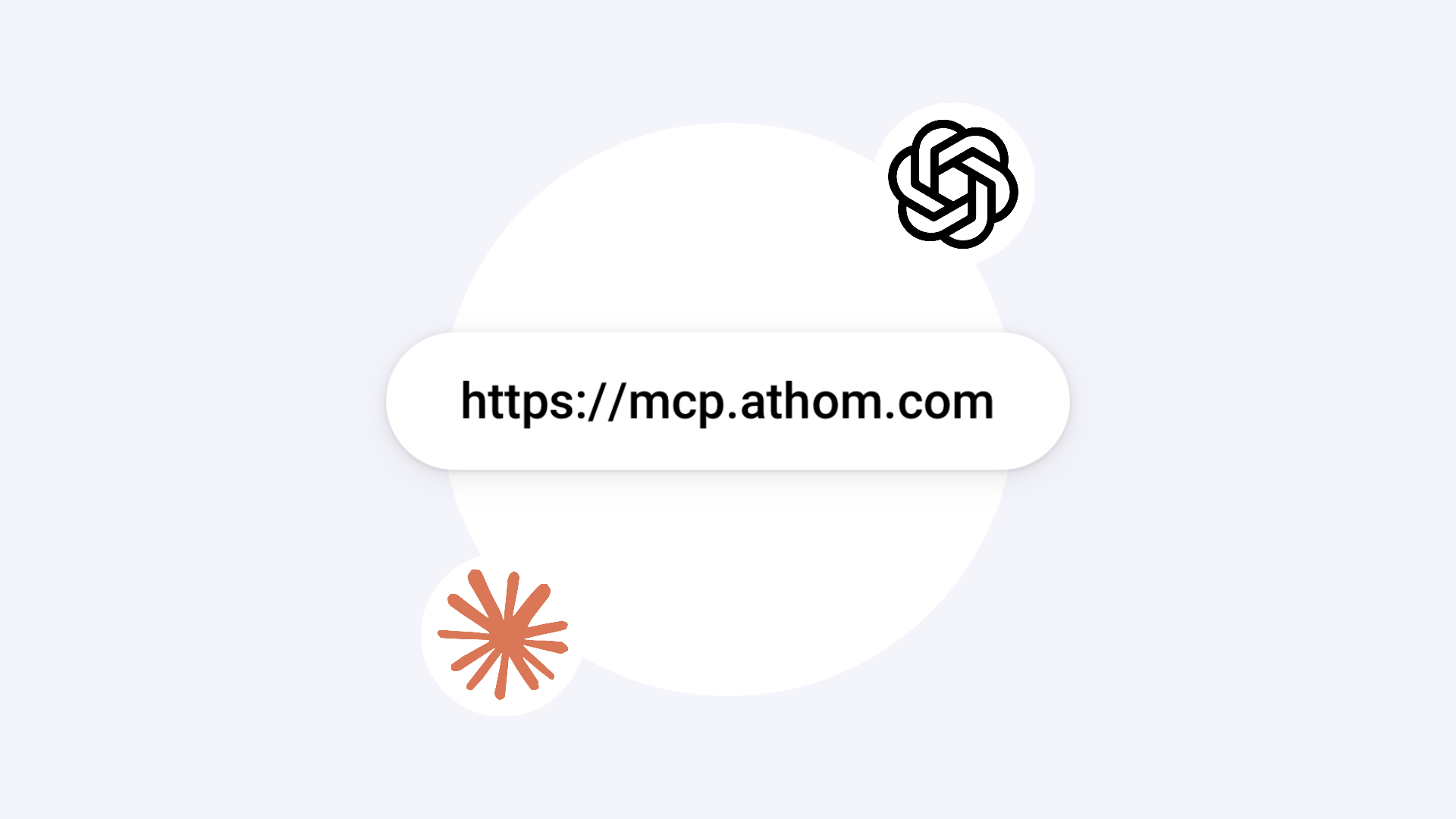
The Homey MCP Server is available at https://mcp.athom.com for Claude and other AI agents that support MCP, giving you the same capabilities. If you already connected Homey manually, you’re all set.
Get started
The Homey app in ChatGPT works with Homey Cloud, Homey Pro, Homey Pro mini, and Homey Self-Hosted Server.


